
Binned before it's up
Displays arrive, sit in the back room and never reach the shop floor.
Display, asset and stock monitoring
Put a unique QR code on every display, shelf and site you pay for. The first scan shows it's out of the box. Every scan after is a heartbeat, so you know what's live, what's gone quiet and what's out of stock, location by location.
Free trial: 1 project, up to 10 locations. No card needed.
The problem
Point-of-sale gets printed, packed and shipped to hundreds of locations. Then it goes quiet. Brands rarely know which displays went up, which came down early, or where the shelf is empty.
Displays arrive, sit in the back room and never reach the shop floor.
A display goes up in week one and quietly disappears while you're still paying for the space.
Stock sits in the warehouse or the wrong aisle, and shoppers walk away.
Every scan is a heartbeat. The first one proves your display made it out of the box. The rest tell you it's still there, still working, still selling.
How it works
Pick your items, import your list of locations, and choose which locations get what. LinkQR makes a unique code for every display.
Style your codes and hand them to your printer, ready to data-merge, or print sticker sheets yourself.
The first scan shows a display is out of the box and in place. Every scan after is a heartbeat.
Never scanned, gone quiet or out of stock rises to the top, with alerts and exports for your team.
In place
Shoppers scan with their phone camera. No app, no login. Every scan tells you the display is alive, and an empty shelf becomes a report you can act on.
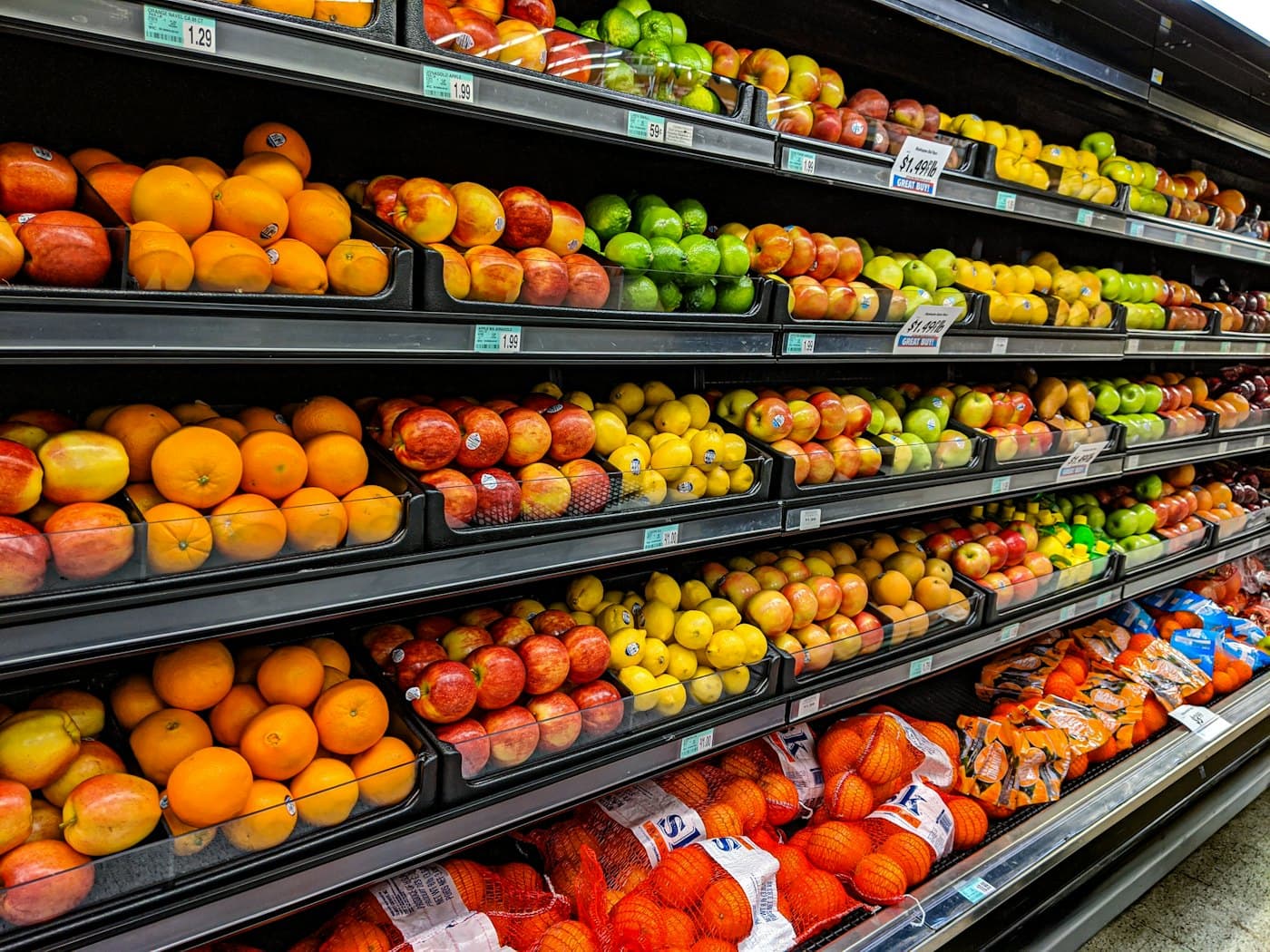
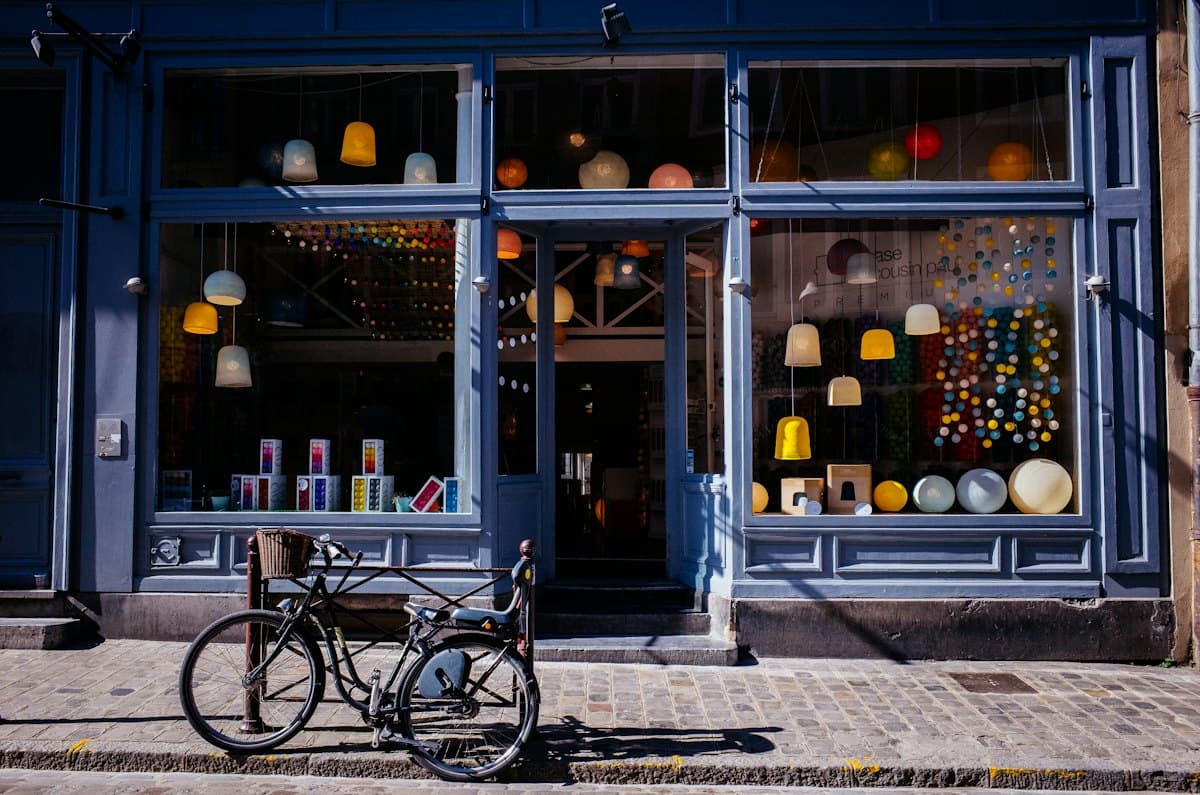
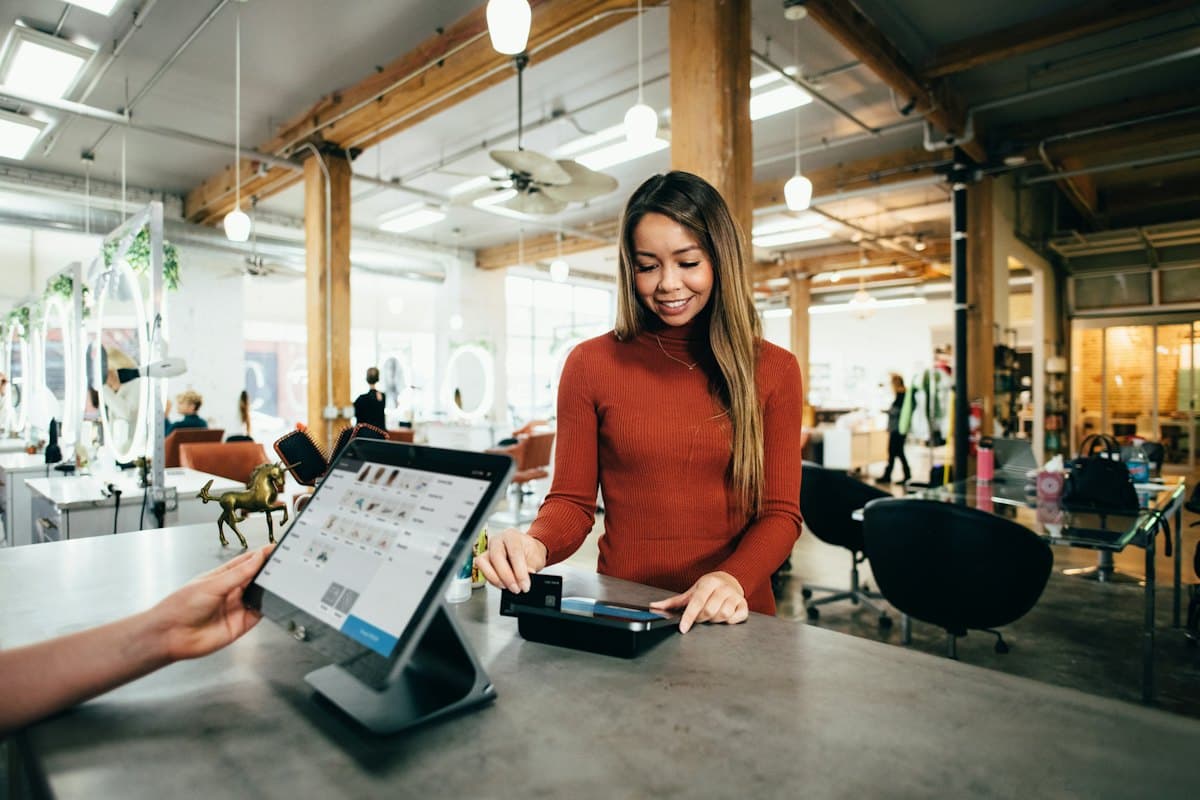
Beyond the shop floor
Retail is where LinkQR started, but the same heartbeat works in pubs, restaurants, forecourts, gyms and on the street. If it cost money to make and install, you should know it's there.
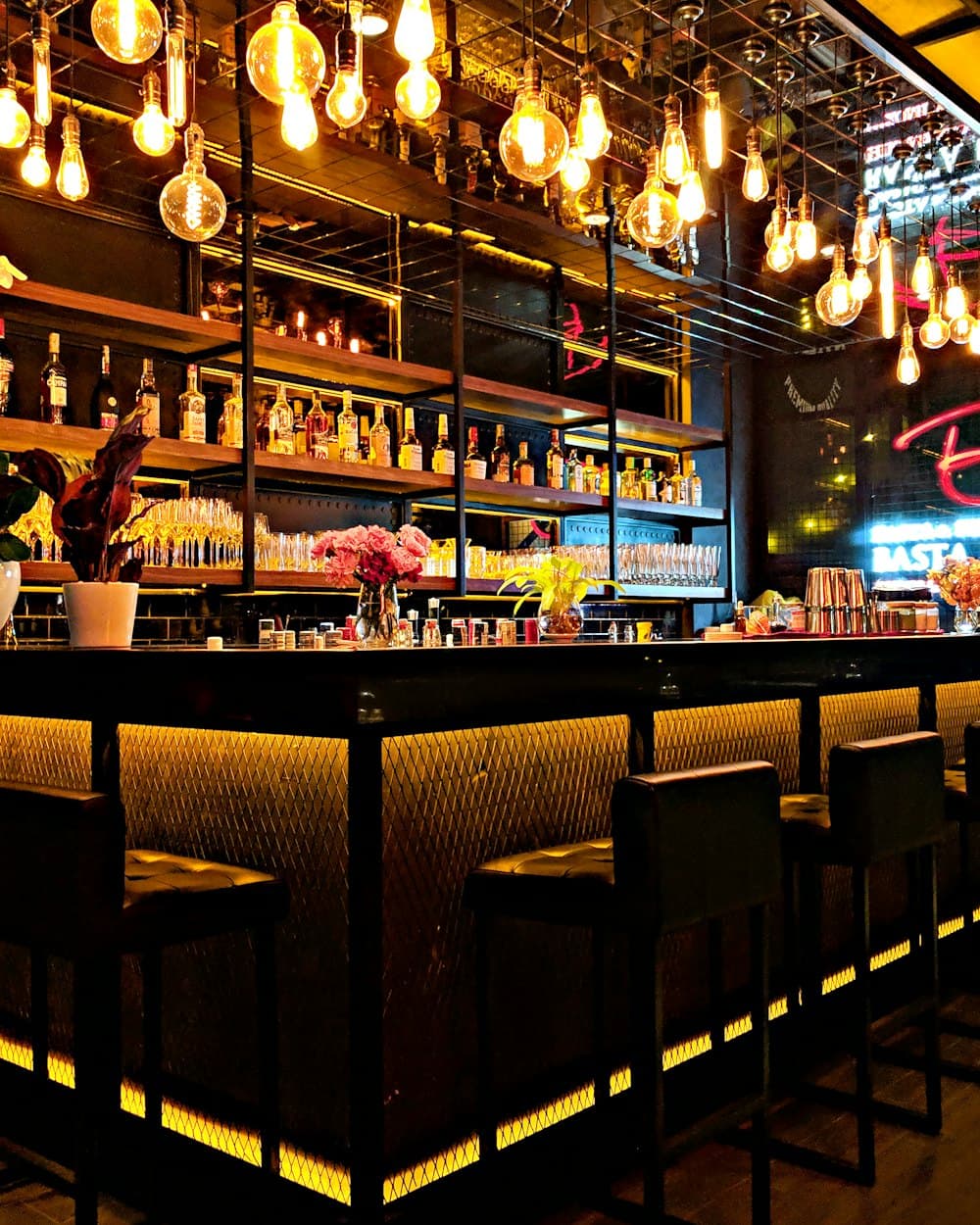
Drinks brands pay for kit in thousands of pubs. See which bars put it out, and which kept it in the cellar.
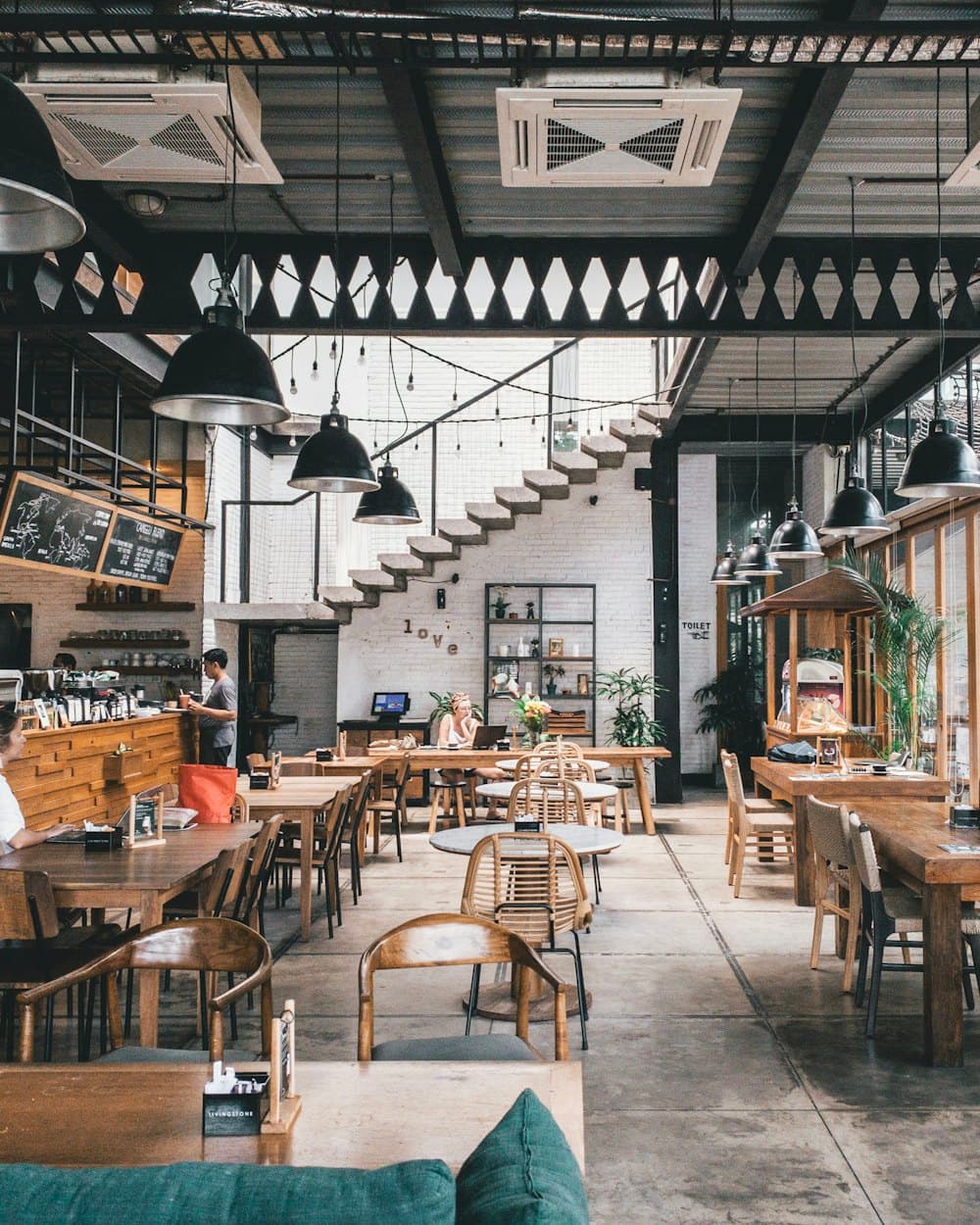
Know that the promotion is on every table, not just in the brief.
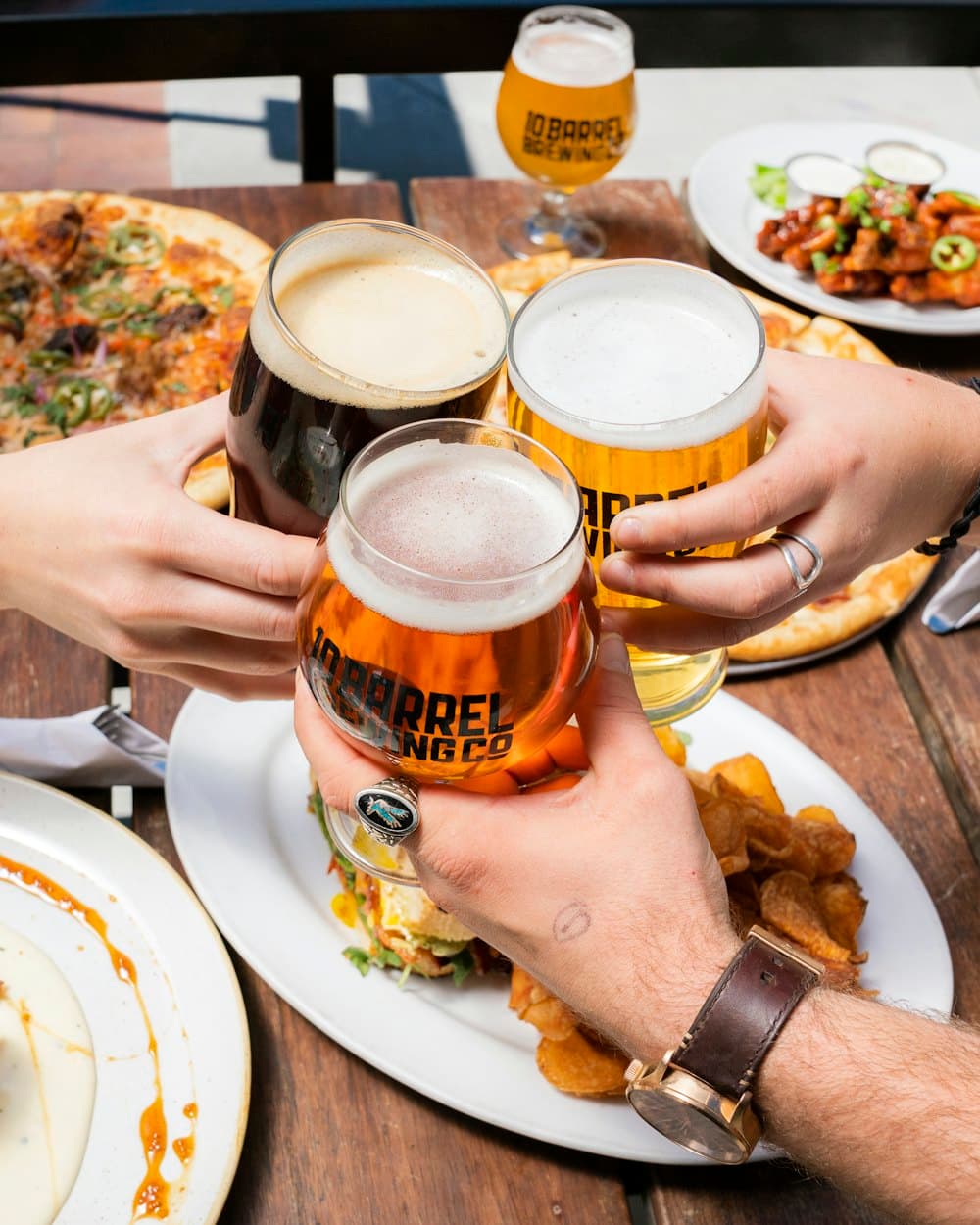
Every scan of a table talker is a heartbeat for the promotion and a chance to count redemptions.
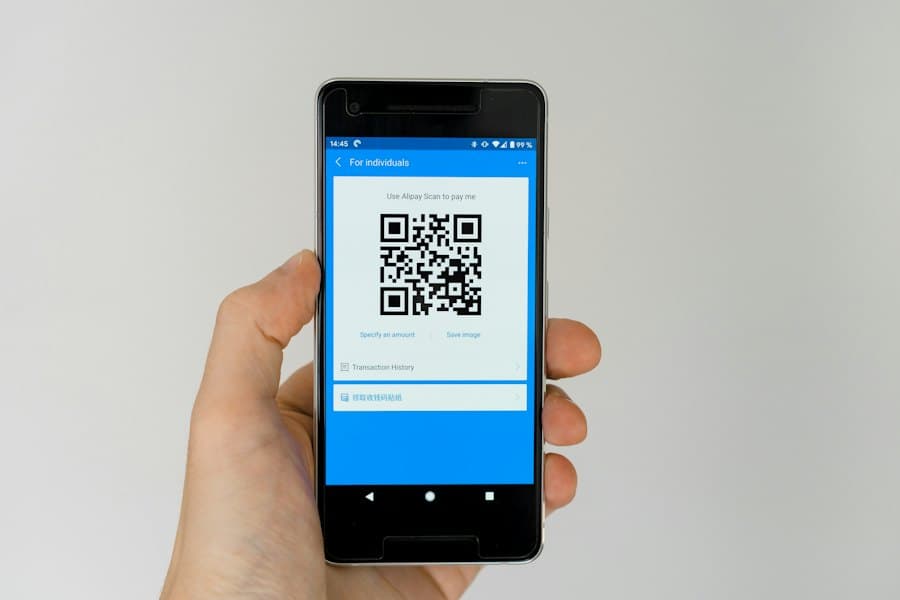
Run a cashback offer or competition on one code. See scans by day, the busiest day, cost per scan and the return on what you spent.

Shoppers report an empty fridge in two taps, so the wholesaler can restock before the weekend.
Proof that point-of-sale reached the pumps, with a stock page for the shop inside.
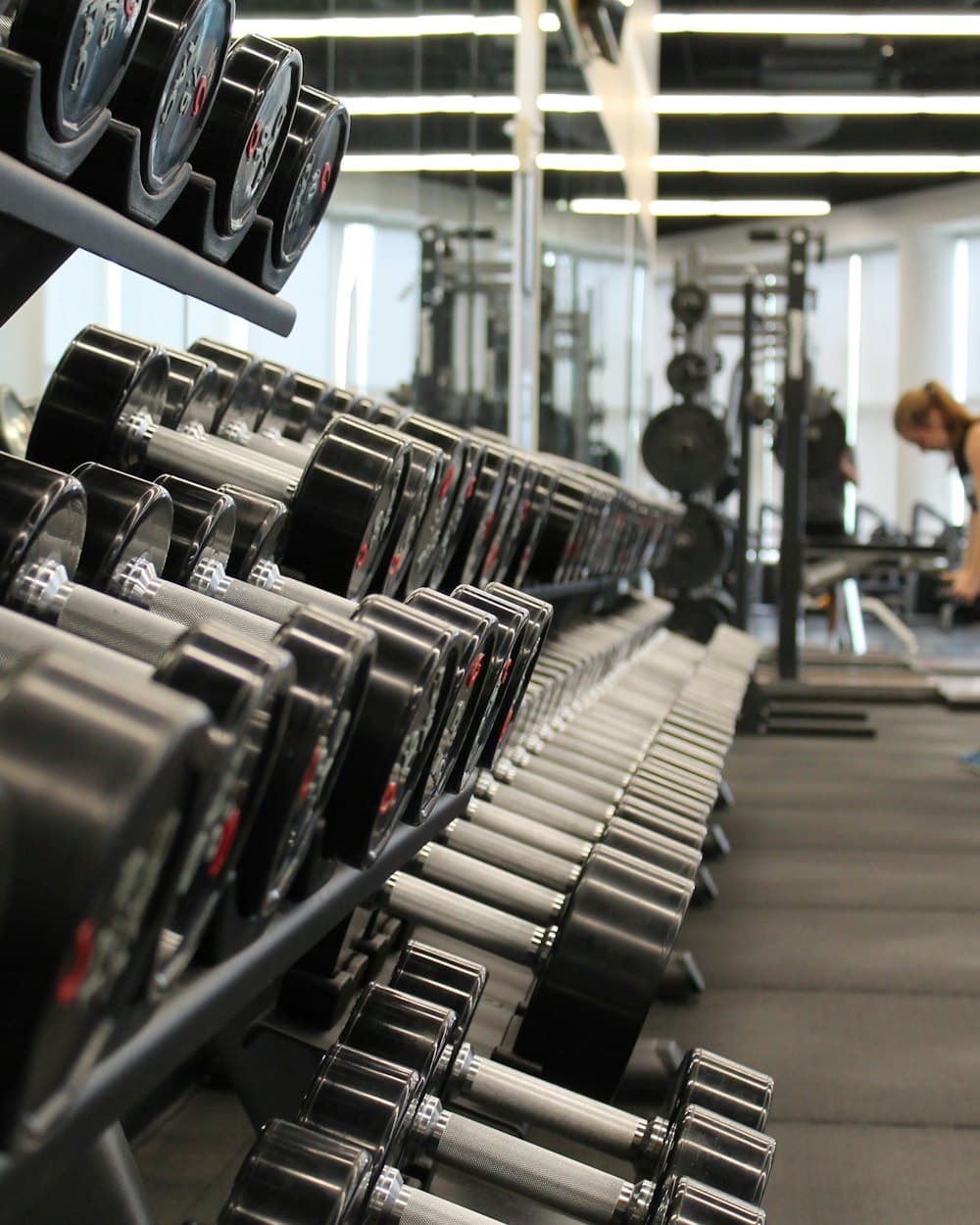
Show sponsors their boards are up, and how often people stop to scan them.

Check that the information stand is in the waiting room, not in a store cupboard.

Add one-off sites by hand. Low footfall? Set a longer quiet threshold so it doesn't cry wolf.
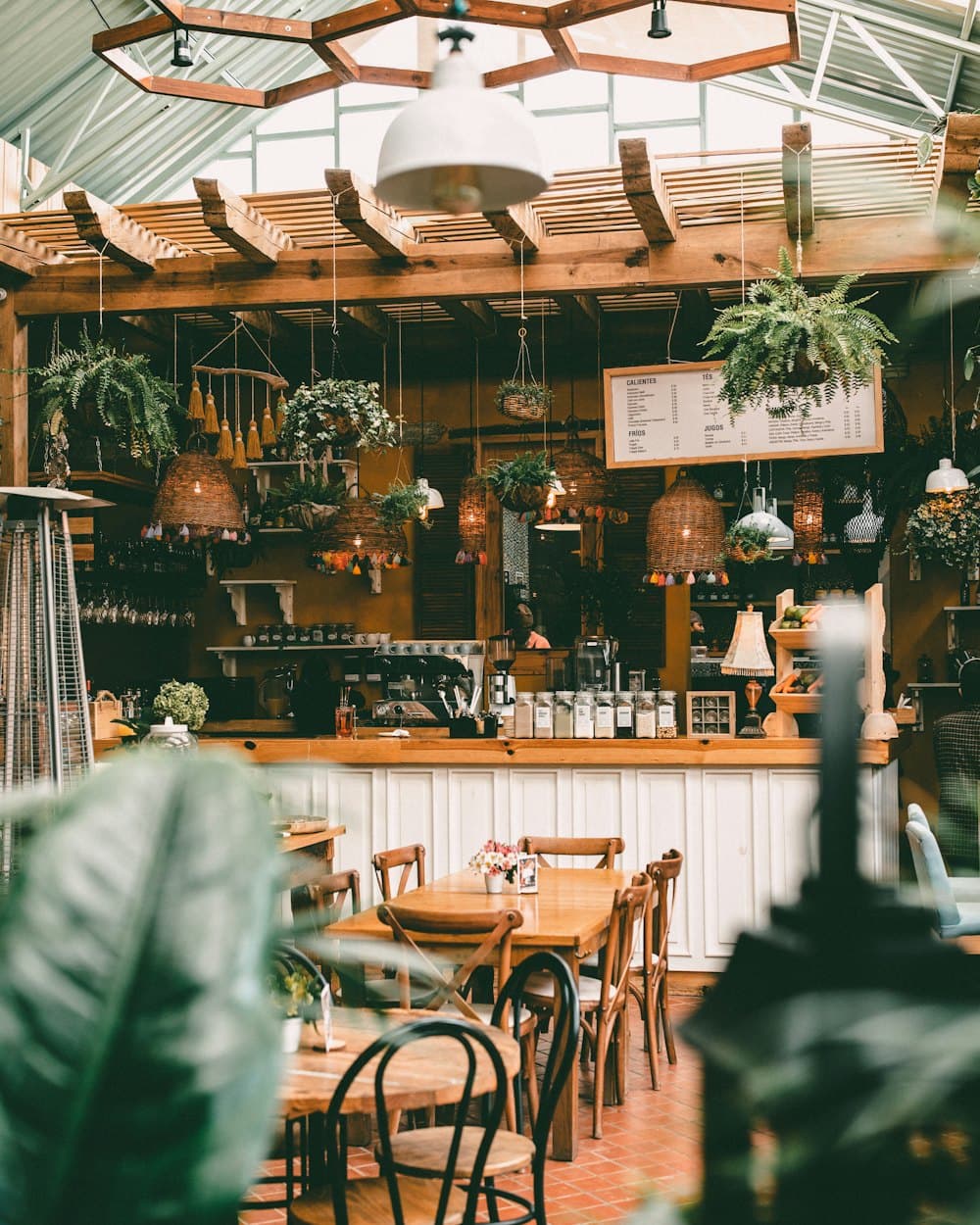
Send kits to 400 franchisees and see which branches put them up, without a round of phone calls.
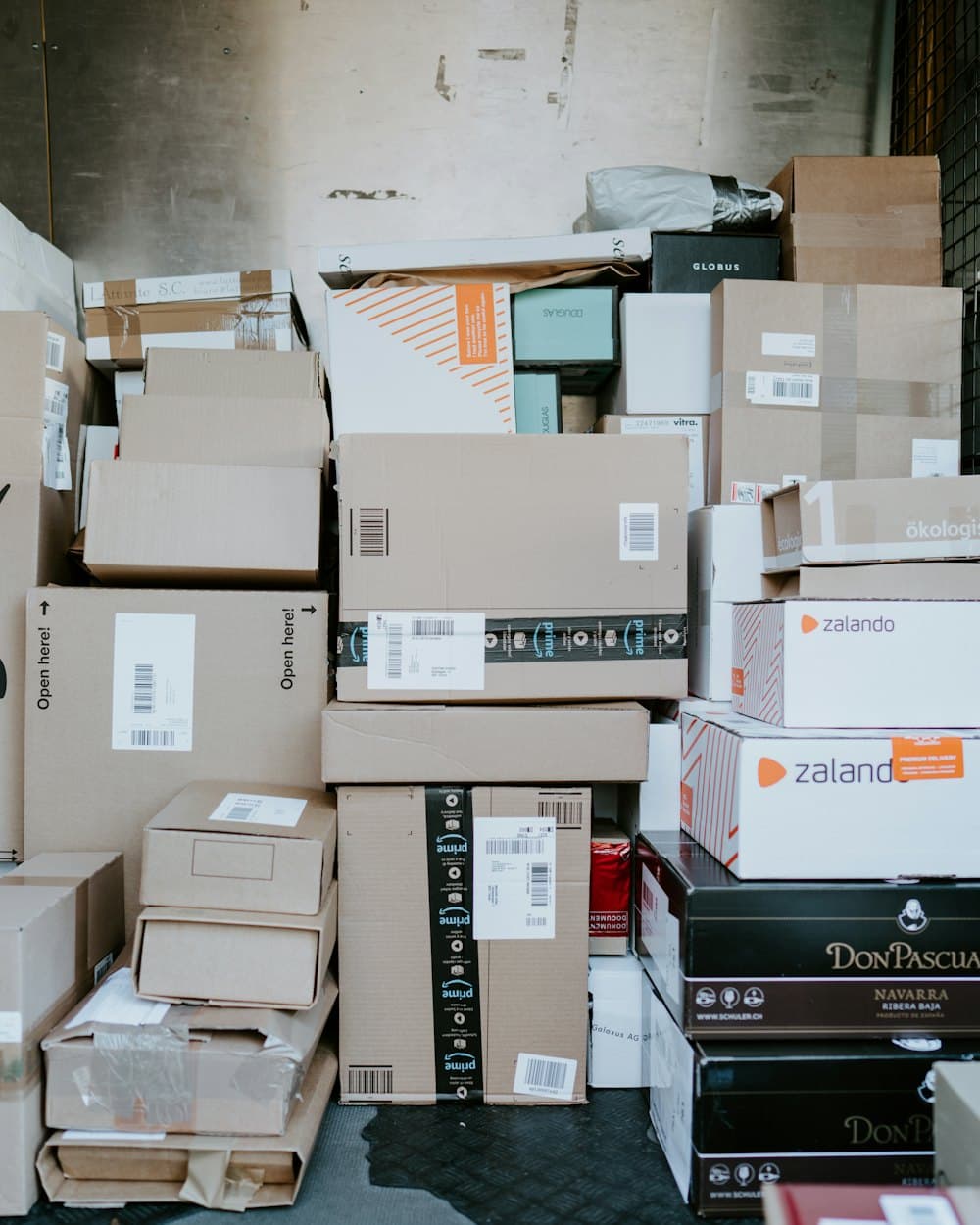
Run every client from one login, with partner pricing, and hand over a report instead of a spreadsheet.
Tell us what you put out in the world and we'll show you how it would look.
Talk to usThe dashboard
See every display and shelf by operator, location and item. The problems rise to the top, so your team knows where to call and where to visit.
Insights add-on
Put your scans next to footfall, the weather and the calendar, and see how you compare with other brands. Try it free for 14 days.
See how busy each location is, hour by hour. A quiet display in a busy location is the one most likely never went up, so it goes to the top of the list.
Learn how heat, rain, bank holidays and paydays move your scans and stock, and get a warning before a hot spell empties the shelf.
Anonymous benchmarks by location type and region. A figure only shows when at least five brands contribute, so nobody can work out anyone else's numbers.
Included in every plan
Features
Every display is graded automatically. You set how long counts as quiet, from one day up, for each project or location.
Posters, FSDUs and till units, with start and end dates. Check they went up, and stayed up.
Shelf and fridge stickers that shoppers scan to report stock problems. Ongoing, location by location.
Pay per code, so choose how much detail each project needs.
Every copy carries its own code, so you see each display on its own.
Print numbered codes now. Staff link each one when they put it up.
The same code everywhere, like a delivery note staff scan when the kit arrives.
Paste the retailer's list and we match their references, postcodes and names to the UK directory. Or tick a whole operator or region in one go.
FSDUs to the bigger sites, till units where there's a counter. Pick locations item by item, or copy one item's list to another.
Share a job and your printer gets the codes, a code list by location and a data-merge file in a private portal. They decide how to print and pack.
Set colours, frame and logo, then download files, A4 sticker sheets or a printer pack. Every code stays unique.
Install LinkQR on your phone or desktop and choose which alerts pop up, alongside in-app alerts and email.
Switch the traffic lights to any window, from the last hour to the last week, and export exactly what was scanned. Visit lists for field teams too.
A list of the places where you paid for space and nothing went up. Bring it to your next retailer or operator meeting.
Run several brands from one login, each kept separate, with partner pricing. Import items, products and locations in bulk.
Why brands use it
Manage expectations
Grow sales
Anonymous by design
LinkQR counts scans, not people. Nothing we store can link a shopper to a place, which makes the codes easy to agree with retailers.
Read our data promisePricing
Start free. A flat monthly plan, plus a small weekly charge for each code while it's live. Pay by card or invoice.
Free trial
£0
Brand
£100/month
Estimate your monthly cost
720 codes × 25p = £180 a week, plus the £100 planAbout £880/month
Agency partner
25% off
Questions
No. Retail is where we started, but any location works: pubs, restaurants, takeaways, forecourts, gyms, surgeries, event sites or a bus shelter. Pick them from the directory or add them by hand, and each gets its own codes and traffic lights.
No. They scan with the camera on their phone and a web page opens. There's nothing to download and no login.
Once the start date and grace period have passed (7 days by default), a display with no scans turns red as never scanned. That's your list of locations to chase.
Not always. A quiet code is a prompt to check, not proof. One scan is enough to show a display went up; the heartbeats after it show it's still getting attention.
£100 a month for the plan, plus 25p a week for each code while its project is live. A code is one item at one location, so an FSDU and a till unit at 100 locations is 200 codes: £50 a week, about £317 a month with the plan. You pay for the days a project is actually live, so one that starts mid-month costs less that month. Pool codes are only charged once they're linked to a location. By card, the plan is taken at the start of each month and codes after the month.
Footfall for each location, so a quiet display in a busy location stands out; how weather, bank holidays and paydays move your scans and stock, with a warning before a hot spell; and anonymous benchmarks against other brands. It's £150 a month, with a 14-day free trial. Scan analytics like busiest hours and stock hotspots come with every plan.
No. Your dashboard is yours alone. Benchmarks pool anonymous figures across brands, and we only show a figure when at least five brands contribute, so nobody can work out another brand's numbers.
Your usual printer. Share a job with them and they get a private portal with the codes, a code list and optional printing tips, and nothing else in your account. Or print A4 sticker sheets yourself.
It's called variable data printing, and digital printers do it every day. The artwork stays the same and LinkQR supplies one code file per location plus a data-merge CSV. How they print and pack is up to your printer.
Not always. One code per location shows you every display on its own. A numbered pool lets you print before the list of locations is final, and staff link each code when they put it up. Or use one generic code, like a delivery note staff scan when the kit arrives, to see which locations have confirmed.
Yes. Put the same code on every pack, poster or ad and LinkQR counts every scan, shows the busiest days and works out the cost per scan. Add what a scan is worth to you and it shows the return. You won't see which location a scan came from unless you ask, and it's billed as one code on the normal plan.
Yes. Paste or upload the retailer's list and we match their references, postcodes and names to the location directory. Anything we can't find is added as your own, and you can add one-off sites by hand.
LinkQR installs on phones and desktops straight from the browser, with notifications for the alerts you choose. Shoppers never need an app.
Your codes keep working and recording, so nothing is lost. The dashboard is locked until you resume. Scans from the weeks you weren't paying can be unlocked for what those weeks would have cost.
Placing codes at a location is agreed between you and whoever runs it, as with any point-of-sale. Because LinkQR is anonymous by design, it's an easy conversation.
Get in touch
Pick a time for a 30-minute video call and we'll show you LinkQR with your own retailers and locations. Or send us a message and we'll reply within one working day.